





AI changes how work gets done. Few organizations know where it creates business value.
- Where should we invest in AI?
- Where can work move faster?
- Do we have the right workforce capacity?
- Where does AI create measurable value?
- Which work should we automate next?
- Which technology investments are paying off?
One platform. Four ways to improve business performance.
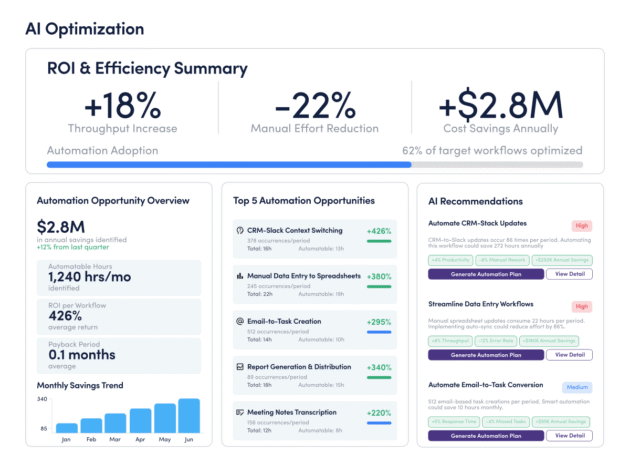
AI Optimization
Turn AI adoption into measurable business impact.
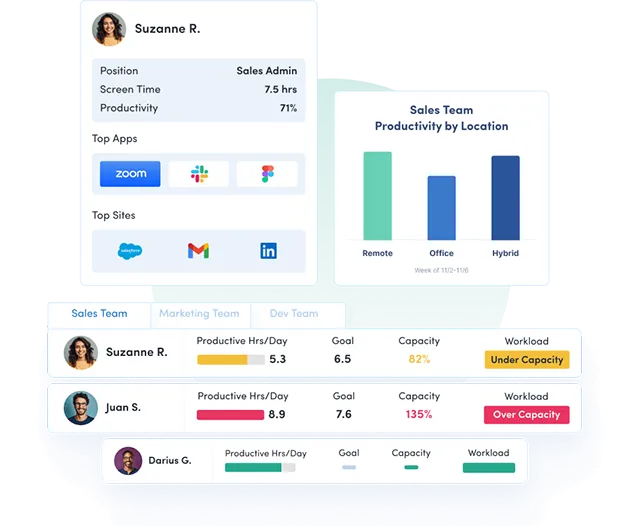
Track adoption, quantify productivity impact and identify where AI improves workflows, capacity and business performance.
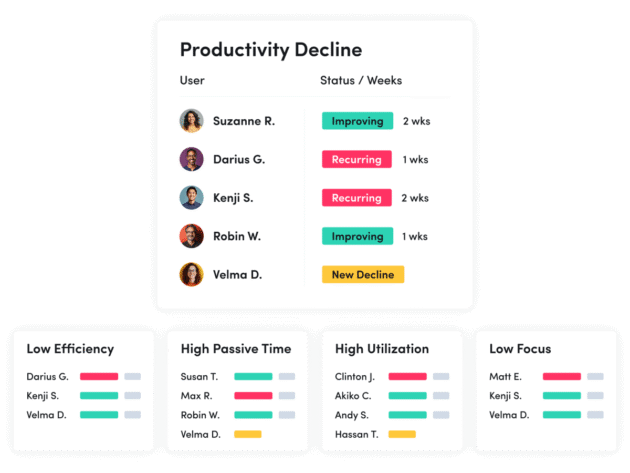
Productivity Optimization
Increase output without increasing headcount.
Identify bottlenecks, reduce low-value work and help teams spend more time on activities that drive business results.
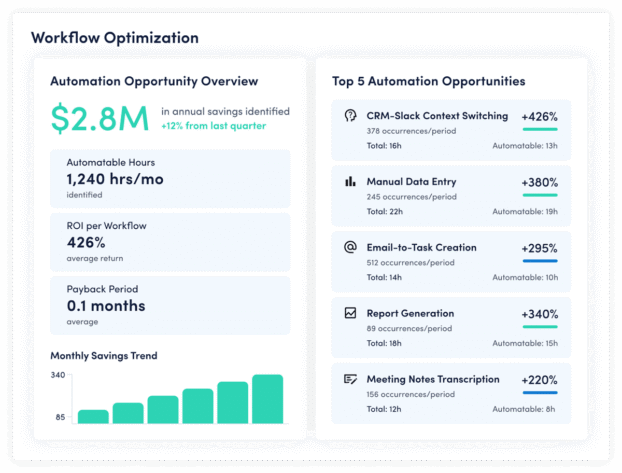
Workflow Optimization
Optimize the way work flows across your business.
Understand how work actually flows across your organization so you can eliminate bottlenecks, automate repetitive tasks and continuously improve how work gets done.
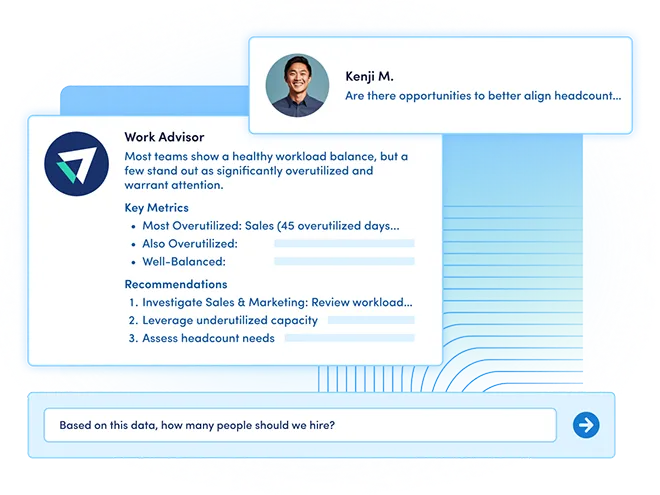
Workforce Optimization
Make better workforce investment decisions.
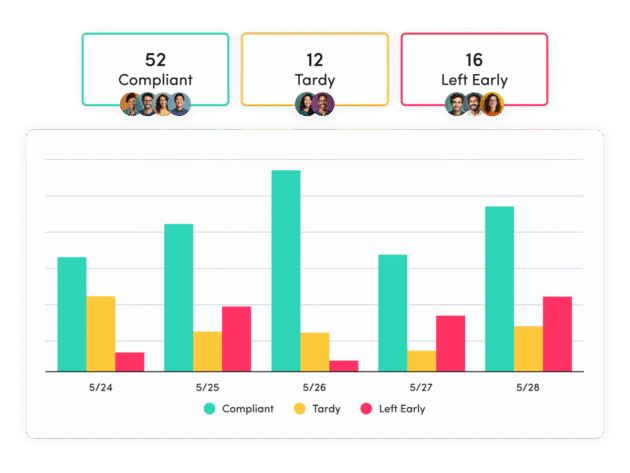
Optimize workforce capacity, balance workloads and make more informed staffing and resource decisions using trusted behavioral data.
CORE PRINCIPLES
Built on Work Observability. Powered by Work Intelligence.
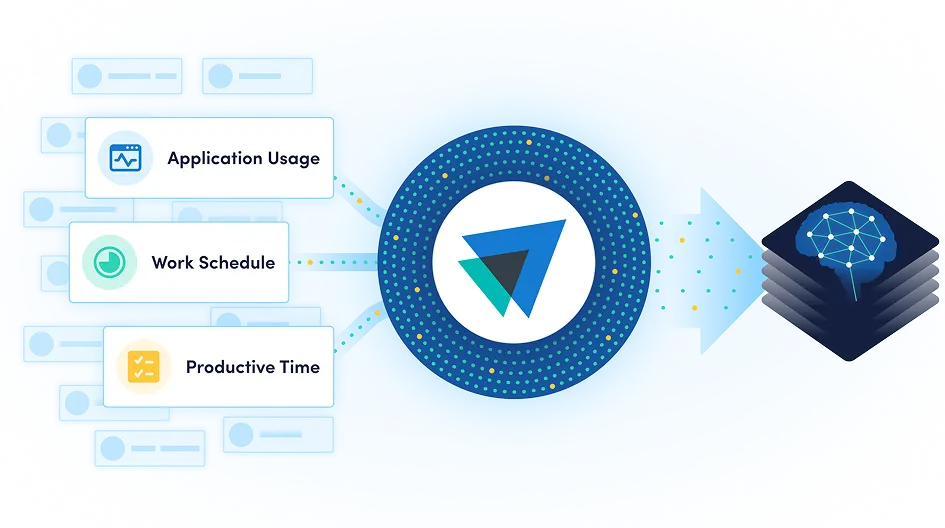
Work Observability captures behavioral work data across people, AI and technology — creating a continuous, cross-tool view of how work gets done.
Work Intelligence transforms those signals into actionable insights and recommendations that help leaders improve productivity, optimize workflows, identify automation opportunities and make smarter business decisions.
Universal Work Visibility
A complete view of work across applications, AI tools, meetings and workflows — not just within a single software ecosystem.
AI-Powered Intelligence
Transform behavioral work data into recommendations, contextual insights and benchmarks that help improve business performance.
Privacy by Design
Enterprise-grade privacy controls, configurable anonymization and a privacy-first approach to data collection that protect employee trust.
See work across the systems where it happens.
Connect ActivTrak with your workforce, business and AI systems to add organizational context, enrich analysis and deliver work intelligence where decisions are made.

Workday

ADP

Microsoft Teams

Outlook

Google Calendar

ServiceNow
Zendesk

ChatGPT

Claude
Gemini

Microsoft Viva

Jira Software
Salesforce

Slack
How It Works
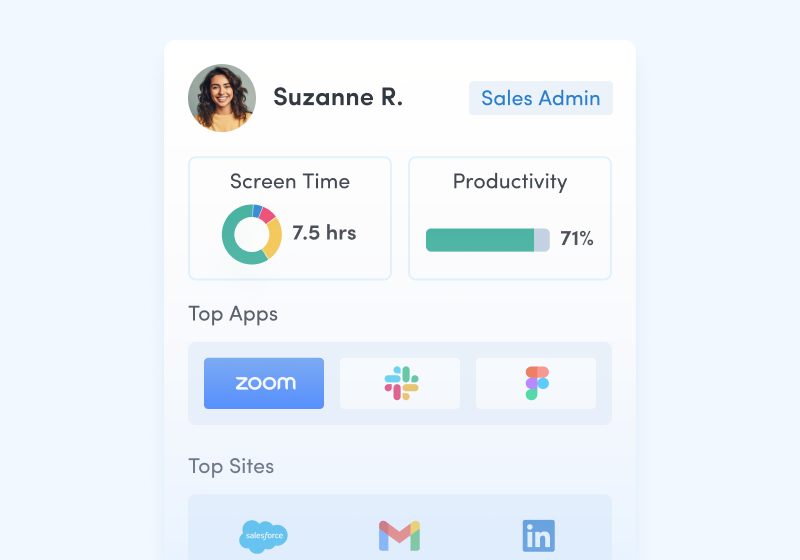
Observe
Capture work signals across people, AI and technology.
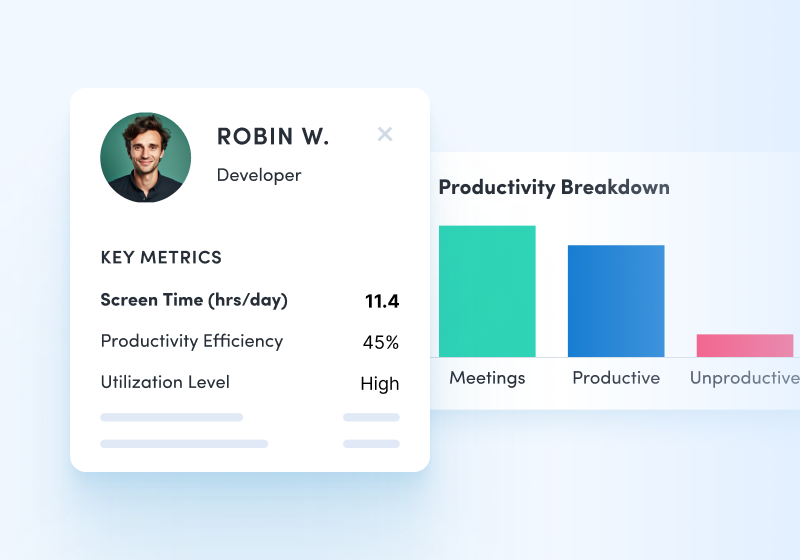
Interpret
Transform behavioral data into contextual intelligence and benchmarks.
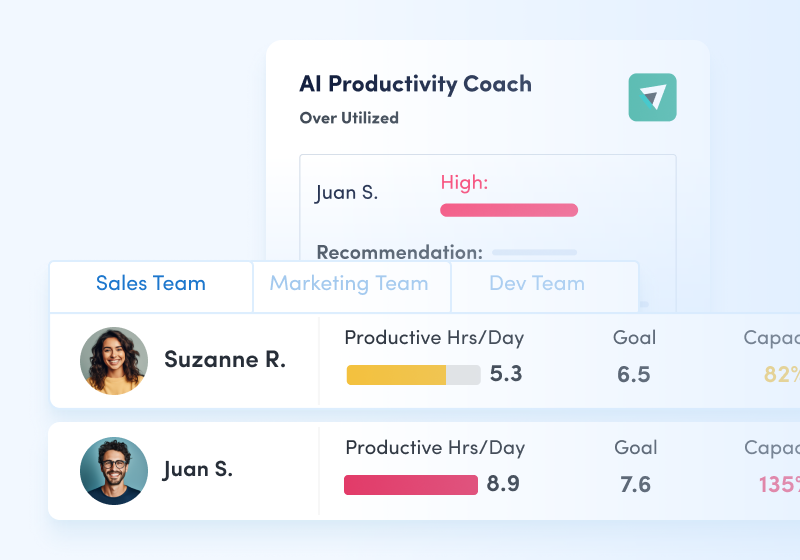
Improve
Optimize productivity, workflows, automation and workforce investments.
Proven business outcomes.
“Our financial loss, which probably topped around $7 million a year annualized, is down around $3 million right now. That’s easily 11x ROI. It’s progress that reflects not just cost recovery but improved data fidelity.”
- Jeff Ericson
- SVP of Infrastructure & CISO
- 2,500+ employees
- Healthcare
“We measure revenue by headcount and have had a constant increase in that, translating to $6.82M in added value through expense reduction and revenue gain. We’re talking about a 122X ROI which is practically unheard of.”
- John B. Fraser
- CEO
- 501+ employees
- Manufacturing

“We’ve realized over $1M in annualized labor savings through optimized capacity allocation — and that number is just going to continue to grow.”
- Scott Friesen
- EVP, Strategic Analytics
- 2,500+ employees
- Transportation/Logistics

“ActivTrak shows us whether we use the thousands of dollars we spend monthly on various software tools efficiently, helping us make smarter vendor decisions and eliminate unused subscriptions.”
- Chris Lekousis
- Co-Founder & VP of Operations
- 500+ employees
- Mortgage Banking

“We love how ActivTrak gives us visibility into how our employees are spending their time while allowing us to be respectful of their privacy. It’s the perfect balance.”
- Kasey Konkright
- Head of Talent & HR
- 51-500 employees
- Retail

“We assume we know. Managers think they know. But I love data, that it tells a story, and it can help tell the future as well.”
- Jenn Fee
- VP of People & Culture
- 501-5,000 employees
- Manufacturing